Top 10 Sales Intelligence Tools for 2026: Buyer’s Guide
A 2026 buyer's guide to the top 10 sales intelligence tools, compared on data coverage, integrations, pricing, and best-fit use case.

On this page
Your sales stack is leaking revenue, and the symptoms are painfully familiar. Reps build lists by hand, the data is stale before the first sequence goes out, and connect rates fall apart because the mobile numbers were never good enough in the first place. That's not a rep problem. It's what happens when teams try to run outbound on fragmented data, weak workflows, and tools that were built to store contacts instead of create pipeline.
Sales intelligence has moved far beyond a niche database category. Grand View Research valued the market at USD 2.95 billion in 2022 and projected USD 6.68 billion by 2030, while more recent estimates put it even higher, including USD 4.85 billion in 2025 with a forecast of USD 12.45 billion by 2034 Grand View Research. In practice, that growth reflects what sales teams already know, good data now sits inside the operating system of prospecting, qualification, and pipeline generation.
The problem is that the market is crowded with overlapping tools. Some are contact databases, some are intent platforms, some are enrichment engines, and some are engagement suites pretending to be intelligence products. The best choice isn't the one with the longest feature page, it's the one that improves workflow efficiency, keeps data fresh, and helps reps spend more time selling. If your shortlist is focused on data coverage and enrichment workflows, this comparison of enrichment tools for SDRs covers that narrower buying decision.
1. Pipecorn
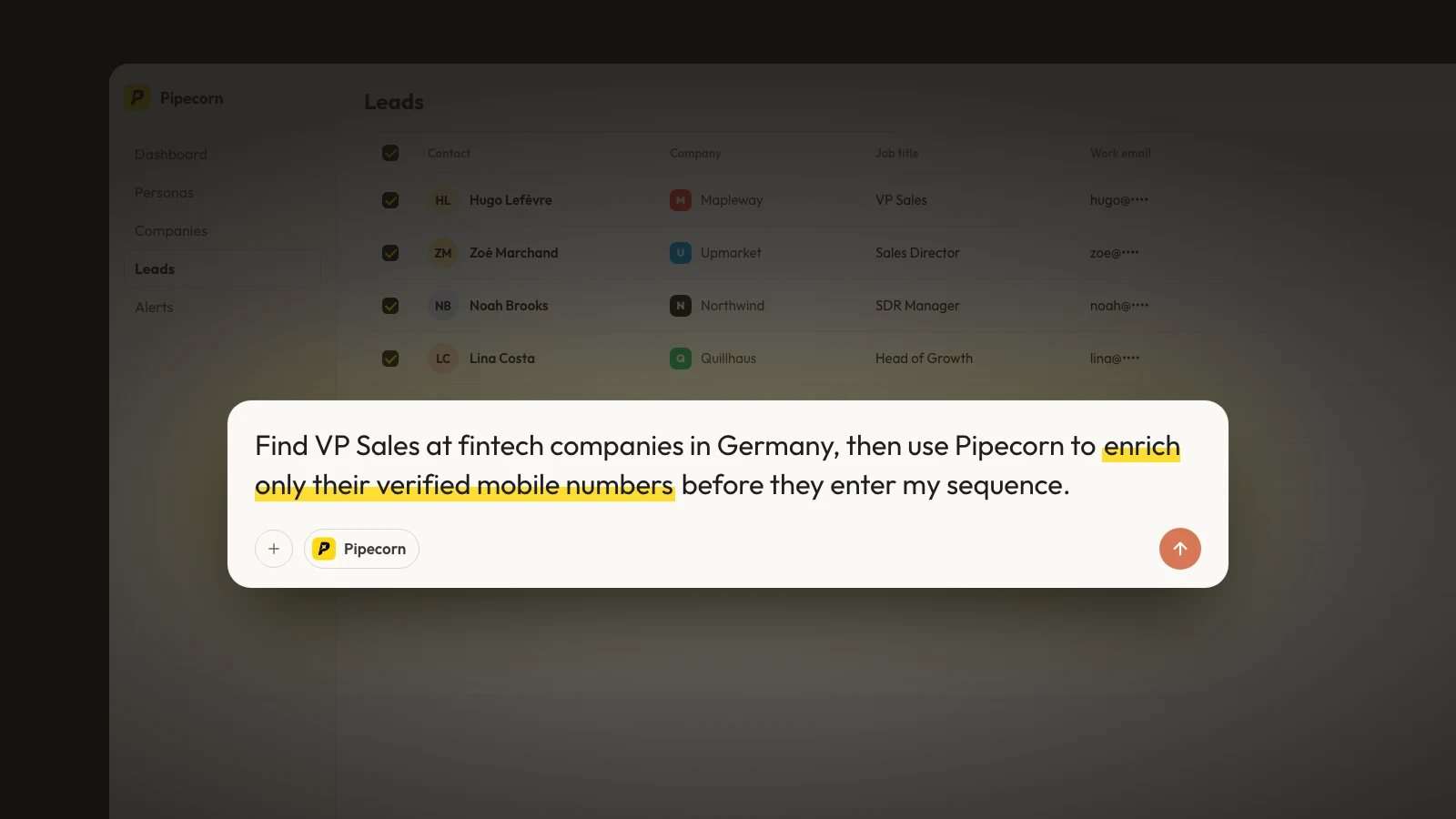
Pipecorn fits teams that care about connect rates, verified contacts, and fewer tools. It is built as an outbound-first B2B data platform, so the workflow starts with list building and ends with qualified contacts moving into your CRM and engagement stack, instead of leaving reps to stitch everything together by hand. The value is straightforward. It turns a cold list into something ready to call, sequence, and route.
The platform's strongest advantage is its waterfall enrichment across 100+ data providers, which helps reduce the blind spots that show up in single-source tools. It also supports real-time sourcing, AI cleaning, job-change tracking, and global vendor routing by country, which matters when teams prospect across multiple regions and do not want one weak provider to drag down deliverability or phone quality. Pipecorn also integrates with HubSpot, Salesforce, Pipedrive, Outreach, Salesloft, and lemlist, so the handoff does not stop at enrichment. It keeps moving. For teams comparing enrichment approaches, see the deeper trade-offs in this waterfall enrichment comparison with ZoomInfo.
A lot of buyers think they need another database. They usually need a better contact layer. Pipecorn's model is closer to an operating system for outbound, especially for SDRs, RevOps, GTM engineers, and agencies that want verified email and mobile data without juggling separate point tools. It also lines up with teams that want to reduce workflow friction instead of adding another login that only solves one step in the process.
Practical rule: If your team is losing time to bounce cleanup, manual list building, and CRM drift, the issue is not more prospecting volume. It is data orchestration.
For regulated teams, the compliance posture is strong. Pipecorn is SOC 2 Type II audited, GDPR-by-default, offers DPAs, and is CCPA compliant. The site also positions pricing in tiers, including Free, Build, Grow, and Scale, and highlights a single-subscription option that avoids surprise per-contact invoices. That structure matters for ROI, because fixed pricing is easier to forecast than a stack of separate data, enrichment, and workflow bills.
The trade-off is flexibility. Pipecorn is optimized to deliver verified pipeline quickly, so teams that want a highly custom workflow builder may still pair it with API-driven automation or a broader ops layer. Still, if the goal is to reduce tooling costs while improving pipeline quality, this is one of the most practical options on the list. Teams that want to build a cleaner outbound stack can also compare how it fits alongside an ai video generator in broader GTM workflows.

2. ZoomInfo
ZoomInfo SalesOS fits teams that want depth of coverage and buying signals in one enterprise platform. It pairs one of the largest B2B contact and firmographic databases with intent data, org charts, and a modular operating system of workflows, so large outbound and revenue teams can research accounts, build lists, and route contacts into the CRM without leaving the platform.
The value is breadth. For teams selling into the U.S. mid-market and enterprise, the database depth and signal coverage are hard to match, and the native workflows reduce how often reps bounce between tools. When the priority is scale and completeness rather than a lean stack, that breadth is the point.
The trade-off is cost and commitment. Pricing is quote-based and can climb quickly at scale, and the platform rewards teams with the RevOps maturity to actually operationalize its modules. Smaller teams often pay for coverage and controls they will not use. For teams weighing database depth against verified, orchestrated contact data, this waterfall enrichment comparison with ZoomInfo is a useful reference.
Best fit and main trade-off
ZoomInfo makes the most sense for enterprise outbound teams and revenue operations groups that need a single, authoritative source of account and contact data and have the budget to support it. It is strongest when intent signals and org mapping feed a deliberate, well-governed sales motion.
It is less attractive when the goal is fast self-serve adoption or tight tooling costs. Teams that mainly need verified emails and mobile numbers, without the enterprise overhead, will often get better ROI from a leaner contact layer than from a full platform license.
3. Apollo.io
Apollo.io is still the most practical answer for teams that want data plus engagement in one place. It combines a contact database, enrichment, sequencing, and a dialer, which means smaller teams can get from prospecting to outreach without buying three separate tools. That simplicity is why it keeps showing up in lean sales stacks.
The advantage is workflow consolidation. SDRs can search, enrich, sequence, and dial from the same platform, then push data into a CRM or use exports to fuel another system. For teams that don't have a dedicated RevOps owner, that matters more than fancy positioning. A tool that gets used daily will beat a better tool that sits idle.
Apollo's self-serve packaging is also part of the appeal. It's easier to trial than many enterprise products, and that lowers adoption friction. For founders and sales leaders watching every line item, that kind of usability often matters more than a long list of enterprise features.
Best use case and main limitation
Apollo makes the most sense when you want to reduce tool sprawl and move quickly. It's especially strong for teams that are still figuring out their prospecting motion and need a platform that can carry them from database to outreach with minimal setup.
The trade-off is the credit model and the need to evaluate quality against your ICP. Heavy users can run into volume limits, and teams selling into narrow or specialized segments should test coverage before standardizing. Apollo is broad and efficient, but broad doesn't always mean perfect for every segment.
For many SMB and mid-market teams, that's still a worthwhile compromise. The platform is practical, familiar, and fast to deploy.

Use this as a reference point if you're comparing all-in-one platforms against a stack approach. This Apollo comparison for Sales Navigator workflows is useful when your team already lives in LinkedIn.
4. Cognism
Cognism fits teams that care about compliance, EMEA coverage, and mobile accuracy. If you sell into Europe, the question is usually not whether a tool sounds smart, it is whether the data can be used confidently across markets with stricter privacy rules. Cognism is positioned around that need, and that matters in real outbound work.
Adoption patterns back up why this category matters. One industry summary reported that 67% of B2B sales teams use sales intelligence tools daily and 71% of enterprises had adopted sales intelligence software, which shows how quickly these platforms have become part of the operating model rather than a nice-to-have Gitnux industry statistics. Cognism fits that reality because it is built for teams that pick up the phone and need data they can trust in the moment.
Why teams buy it
Cognism is often selected for GDPR-aware data handling, direct dials, and on-demand mobile verification. That combination matters when reps need both connect rates and data compliance discipline. It is also one of the more credible options for organizations that need cleaner access to European decision makers without adding extra manual checking to every list build.
The trade-off is cost and scope. Pricing is not public in the same way as self-serve tools, so buyers need to go through a quote process. U.S.-only teams may also find broader database peers more economical, especially if Europe is not a priority. If you are comparing browser-first tools, this Lusha alternatives guide helps frame where Cognism sits in a broader stack.
Practical rule: Buy Cognism when the phone channel matters and privacy is required. If your motion is mostly U.S. email outreach, you may pay for strengths you will not use enough.
The platform is strong, but it is focused. That focus helps in the markets where it matters most.
5. Lusha
Lusha is the tool many SDRs start with because it's fast, simple, and built around the browser extension workflow reps already know. If a rep is living in LinkedIn, Sales Navigator, and company sites all day, Lusha gives them a quick way to surface emails and phone numbers without leaving the page.
That speed is its main selling point. The extension-first experience lowers friction, and the self-serve pricing makes it easy to test without a long procurement cycle. For smaller teams that just need to get moving, that can be enough to justify the purchase.
Where Lusha gets interesting is that it's moved beyond simple contact finding. It now includes conversation intelligence on higher tiers, which makes the product more useful for teams that want both prospecting and call review in one place. That doesn't turn it into a full revenue suite, but it does reduce the number of separate tools a team needs.
Watch the credits, not the headline
Lusha's weakness is the same one that hits many credit-based tools. Heavy callers can burn through usage quickly, and buyers should pay close attention to how credits are consumed across plans. Coverage also varies by region and vertical, so a pilot against your actual ICP is more useful than a broad demo.
The platform is best viewed as a practical LinkedIn-enrichment tool with enough depth to support steady outbound. It's less attractive if you want broad enterprise data governance or large-scale workflow control.
For teams that want something lightweight and familiar, it's a good fit. For teams that need a contact layer built to support complex routing and higher-volume enrichment, it may be too narrow.
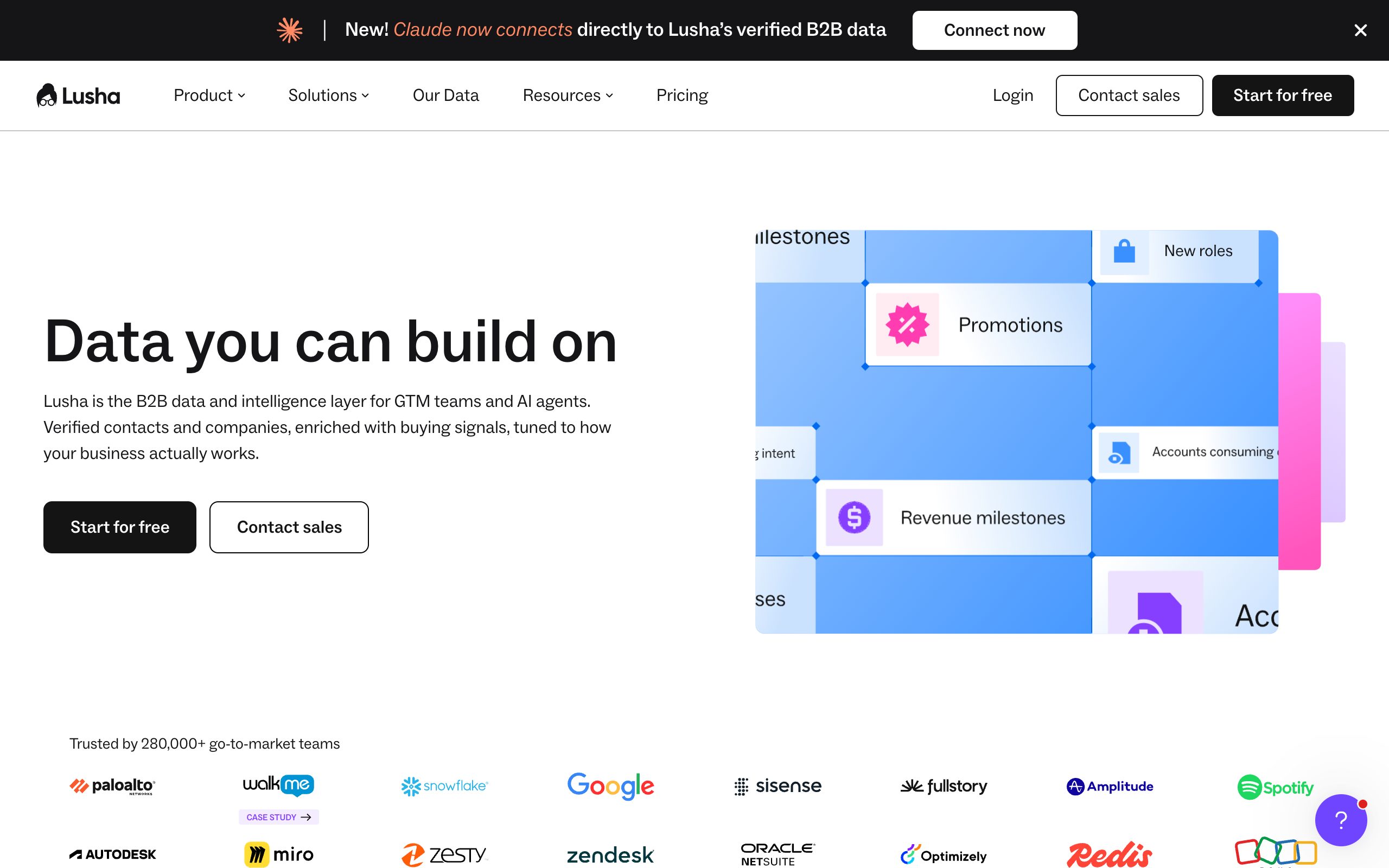
If you're comparing browser-first tools, this Lusha alternatives guide helps frame where it sits in a broader stack.
6. LinkedIn Sales Navigator
LinkedIn Sales Navigator is still the most important relationship intelligence tool in B2B because it sits on LinkedIn's first-party graph. That means the platform knows who people are connected to, how they move, and when they change jobs, which is exactly the kind of signal many outbound teams want before they send a message.
Its strength is timing and context. You can build lead and account lists, track job changes, and use the familiar LinkedIn environment to identify decision makers. For enterprise reps who already spend time on LinkedIn, that familiarity reduces adoption friction in a way most tools can't match.
The limitation is just as clear. Sales Navigator does not give you verified emails or mobile numbers, so it rarely replaces an enrichment platform. It works best as the intelligence layer that feeds the rest of your stack.
Best paired with enrichment
That pairing matters. A rep can spot the right account in Sales Navigator, but without an enrichment layer they still have to find the contact data somewhere else. Many teams waste time here, because they buy a “prospecting tool” and still need another vendor for the last mile.
The product also scales better as part of a workflow than as a standalone list source. Teams already active on LinkedIn will get more out of it than teams expecting it to function like a contact database.
Use it for what it does best, relationship mapping, job-change awareness, and account discovery. Don't force it into a role it wasn't built to play.

7. Clearbit
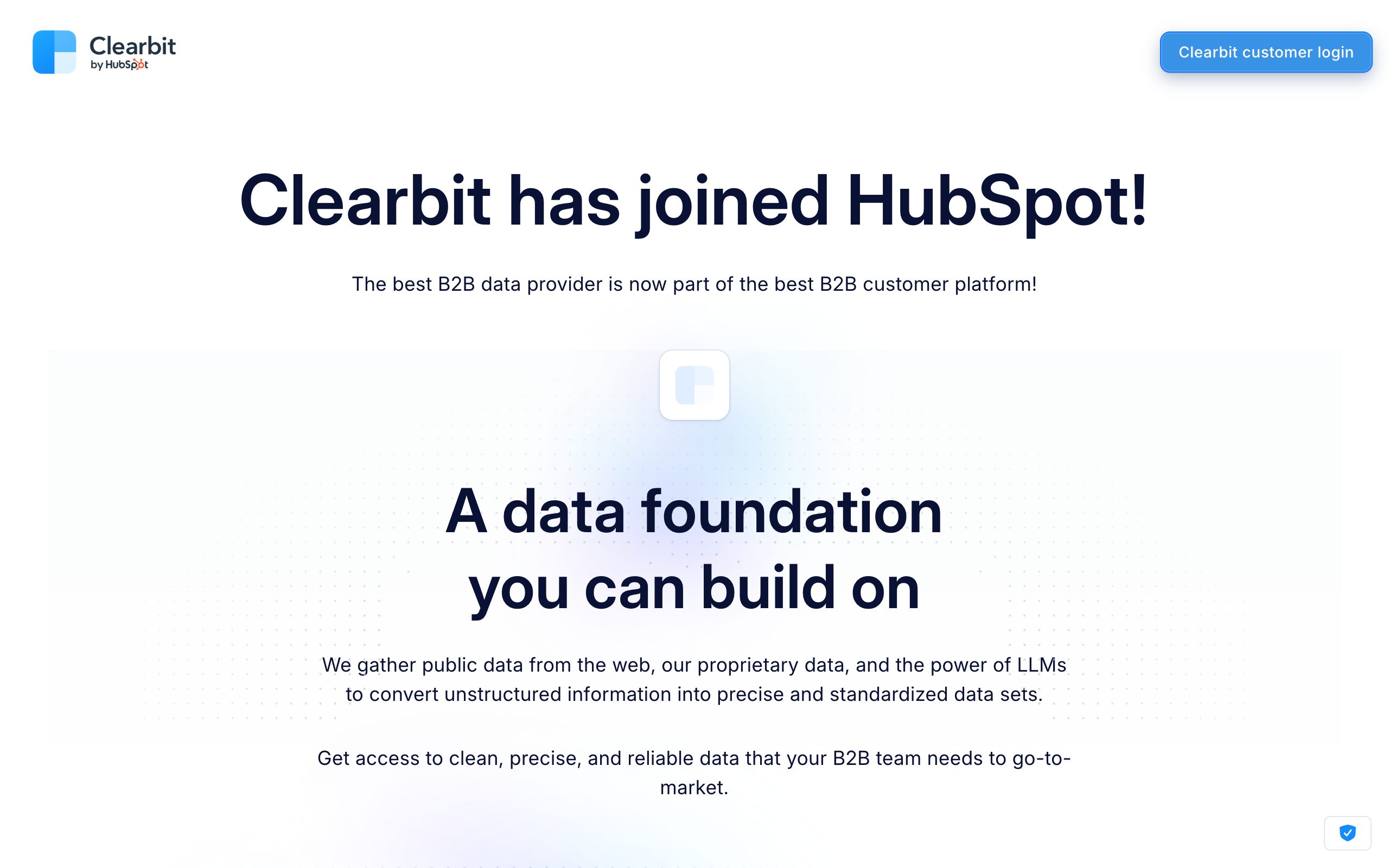
Clearbit, now part of HubSpot as Breeze Intelligence, fits teams that want API-first enrichment rather than a seat-based prospecting UI. Instead of a rep-facing search tool, it is built to enrich records programmatically, adding firmographic and technographic data to contacts and accounts as they flow through your CRM, forms, and data warehouse.
The value is automation. Clearbit shines when enrichment happens in the background, so inbound leads are scored and routed the moment they arrive, and CRM records stay complete without manual lookups. For RevOps and GTM engineering teams, that kind of pipeline-level data hygiene usually matters more than another search interface.
The trade-off is that it is not a standalone prospecting database in the way Apollo or ZoomInfo are. You get reliable, developer-grade enrichment, but building and working lists still depends on the systems you connect it to. Pricing is usage-based with no free public tier, so it fits teams that can wire it into a workflow rather than reps who just want quick reveals. For teams comparing enrichment approaches across providers, this waterfall enrichment guide helps frame where an API-first tool fits.
Where it fits and where it slips
Clearbit is at its best inside a modern, automated GTM stack, where webhooks and APIs push enriched data into scoring, routing, and personalization. Teams with the engineering capacity to integrate it get reliable coverage on company and technology attributes with minimal manual effort.
It slips when a team expects it to behave like a self-serve contact finder or needs deep, verified mobile coverage for high-volume calling. In that case it is better paired with a dedicated contact and phone data layer than used on its own.
8. Seamless.AI
Seamless.AI is built for speed. Its “real-time web” approach is attractive to teams that want to find emails and phone numbers without waiting on a static database refresh, and the Chrome extension fits the same workflow-heavy style that many SDR teams already use. That makes it feel approachable, especially for high-volume list building.
The product also leans into self-serve adoption. Teams can trial it, use extensions, and work through contact discovery without a heavy implementation process. For outbound groups that care about fast motion more than deep configuration, that's a real advantage.
The trade-off is accuracy consistency. Real-time sourcing can help freshness, but it doesn't guarantee coverage quality in every segment. Buyers should validate it against their own ICP before rolling it out broadly.
Where it shines and where it slips
Seamless.AI makes the most sense for teams that need fast prospect discovery and can tolerate some variability. It's especially useful when reps want a quick way to generate lists and move. If your motion depends on clean, repeatable, highly governed data, you'll want a stronger validation process.
The platform also pushes into outreach with Connect, which narrows the gap between data and execution. That's useful, but it also means buyers need to judge whether they want a prospecting tool, an engagement tool, or both.
A fast search engine is helpful. A fast search engine plus bad data just helps you make mistakes faster.
That's the key question with Seamless.AI. If your team values speed and can test rigorously, it can be productive. If your team needs highly controlled contact quality, it deserves careful evaluation.

9. 6sense
6sense is the strongest option for teams that run formal account-based motions and need predictive timing. Its platform is built around account intelligence, scoring, alerts, dashboards, and AI-guided recommendations, which makes it more strategic than a simple contact finder.
The category around it has become much broader, and that's exactly why 6sense matters. One market summary reports that adoption is particularly high in revenue operations and executive roles, with RevOps adoption at 88% and VP/CRO adoption at 91%, compared with 78% for SDRs and 74% for AEs Stealth Agents research. That pattern suggests 6sense-style tools work best when leadership and operations are aligned around account workflows.
Why ABX teams choose it
The product's real value comes from helping teams decide which accounts to prioritize and when to engage. That's useful when your sales cycle is long, your buying committee is complex, and marketing and sales need the same view of the account.
The downside is implementation discipline. 6sense delivers the best ROI when the ICP is defined and the GTM motion is mature. Without that, predictive scoring can become an expensive layer of interpretation instead of a source of action.
It's also an enterprise product in both feel and pricing. Teams looking for fast self-serve adoption will usually find Apollo or Pipecorn easier to operationalize. Teams that already live in ABX, however, may find 6sense to be the better strategic fit.
Use this 6sense data hygiene guide if your team needs a cleaner contact layer before running account-based plays.
10. Demandbase
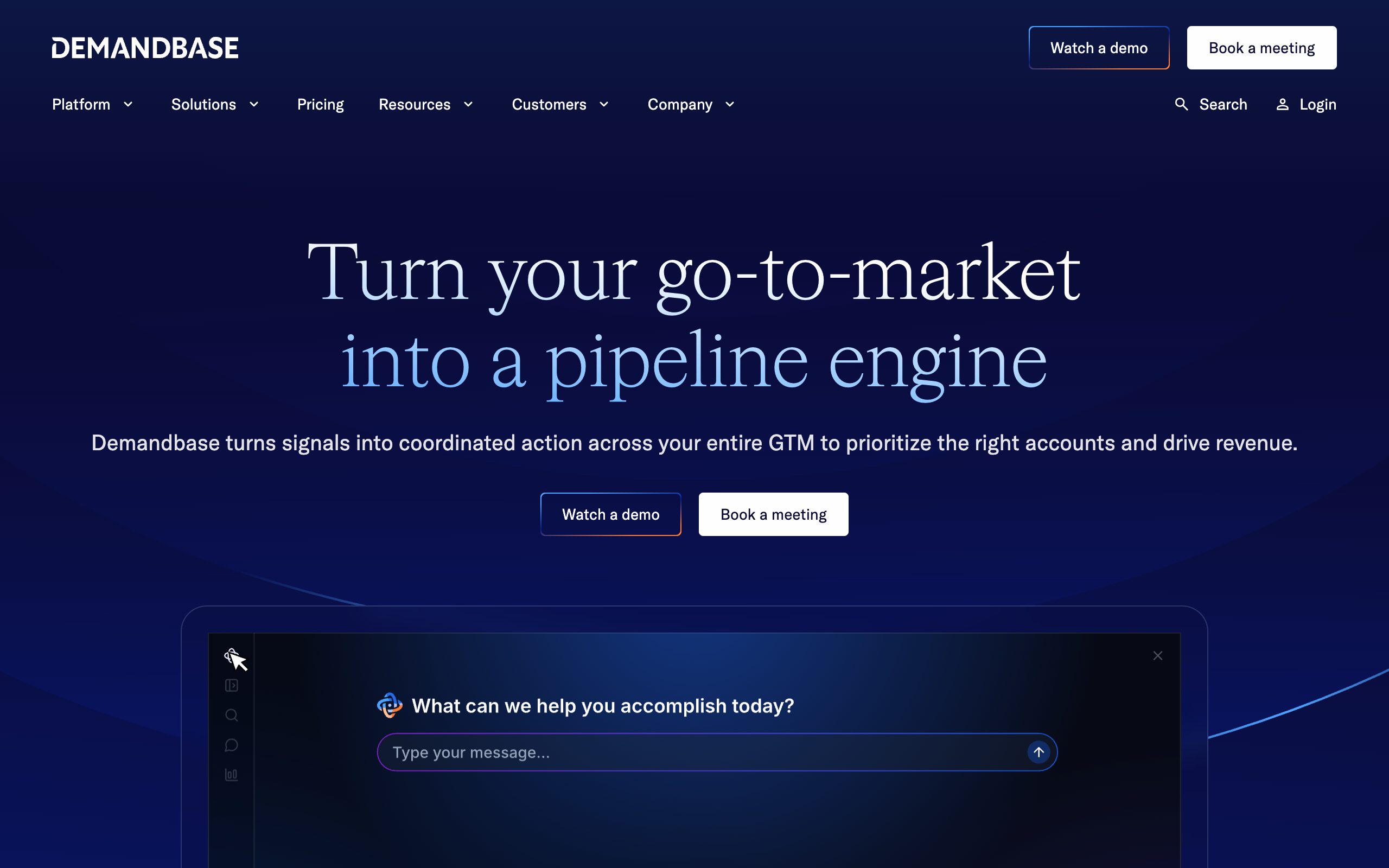
Demandbase is the right call when sales and marketing need to work from the same account view. The platform unifies firmographic and technographic data, website de-anonymization, intent, and seller workflows, which gives reps context that's richer than a standard lead list.
Its biggest advantage is alignment. Demandbase is built for account-based programs where advertising, web personalization, and seller action are coordinated. That means the product pays off most when marketing is already creating air cover and sales is following a deliberate playbook.
For list-only outbound, that can be overkill. If the main job is finding names and dialing them, a more direct contact intelligence platform is usually the better buy. But if the organization is serious about ABM, Demandbase gives sellers a stronger account-level picture.
Fit and friction
Demandbase is strongest when the company can support its broader ecosystem. That includes strategy, process, and enough internal coordination to make account data useful. Without that structure, the platform can feel heavy.
The upside is that it creates a shared language between sales and marketing. Reps see site visits, account signals, and prioritized targets in a way that supports coordinated execution. That's valuable when pipeline generation depends on cross-functional timing rather than just outbound volume.
Demandbase is not the cheapest option, and it's not the simplest. It is, however, a serious account intelligence platform for teams that need more than contact data.
Top 10 Sales Intelligence Tools Comparison
| Provider | Core features | Coverage & quality (★) | Integrations & automation (✨) | Pricing & value (💰) | Best for (👥) |
|---|---|---|---|---|---|
| Pipecorn 🏆 | Waterfall enrichment (100+ providers), real-time sourcing, AI cleaning, job-change & hiring signals | ★ 4.8‑like, 85–92% phone connect, high verification rates | ✨ Auto country routing, API/MCP, scheduled CRM & engagement push, Chrome ext (announced) | 💰 Tiered (Free/Build/Grow/Scale), credit-metered verification, rollover & free seats; single‑sub unlimited option | 👥 SDR/BDR, Heads of Sales, RevOps, outbound agencies |
| ZoomInfo SalesOS | Large contact & firmographic DB, intent signals, modular OS | ★ Strong U.S. depth & signal coverage | ✨ Native SalesOS workflows, CRM exports, broad ecosystem | 💰 Enterprise/quote-based; can be costly at scale | 👥 Enterprise outbound teams, revenue ops |
| Apollo.io | Prospecting DB + sequences, dialer, Chrome ext, API | ★ Large DB; data quality varies by ICP | ✨ Built-in sequencer & dialer, CRM sync, API/CSV enrichment | 💰 Self-serve tiers incl. free plan; scales with usage | 👥 SDR teams, lean GTM teams, self-serve pilots |
| Cognism | GDPR/CCPA-focused data, EU/UK mobile verification, compliance controls | ★ Strong EMEA coverage & compliant data | ✨ CRM enrichments, on‑demand mobile verification | 💰 Quote-based; verification may be add‑on | 👥 EMEA-focused sellers, privacy-sensitive orgs |
| Lusha | Chrome/Edge extension, prospecting workspace, credit metering | ★ Fast profile reveals; mobile accuracy varies by region | ✨ In‑workflow reveal (LinkedIn/sites), CRM integrations | 💰 Clear credit-based self-serve tiers incl. free option | 👥 SDRs who prospect heavily on LinkedIn |
| LinkedIn Sales Navigator | First‑party LinkedIn graph, advanced search, InMail, job-change alerts | ★ Unmatched job-change signals; no verified emails/mobiles | ✨ Lead/account lists, CRM syncs, enterprise admin controls | 💰 Tiered plans; Advanced/Plus often quoted for enterprise | 👥 Reps focused on relationship building & account research |
| Clearbit | API‑first enrichment, firmographic & technographic data, webhooks | ★ Reliable firmographic/tech data; developer‑grade | ✨ Enrichment APIs, webhooks, batch pipelines to CRM/warehouse | 💰 Usage/credit-based; paid plans (no free public tier) | 👥 RevOps, GTM engineers, developer teams |
| Seamless.AI | Real‑time web contact discovery, Chrome ext, exports | ★ Easy trial adoption; data depth can vary by segment | ✨ Extension-driven prospecting, CRM exports | 💰 Paid credit packages; sales-led pricing | 👥 SDRs seeking self-serve list building |
| 6sense Sales Intelligence | Account scoring, predictive models, Sales Copilot insights | ★ Strong ABX signals & account prioritization | ✨ CRM dashboards, seller workspaces, AI recommendations | 💰 Enterprise/quote-based; ROI best with aligned GTM | 👥 ABM/ABX teams, enterprise sellers |
| Demandbase One for Sales | Account intelligence, site de‑anon, seller web app & extension | ★ Robust account‑level insights for ABM | ✨ CRM integration, ABM ad/analytics coordination | 💰 Quote-based, modular pricing | 👥 ABM programs, cross‑functional marketing+sales teams |
The Final Word: Consolidate and Conquer
Before connecting enrichment to your system of record, use this CRM integration API checklist to define field ownership, protect rep-verified numbers and test the destination record.
To turn the selected platform into a repeatable sales process, define how a target account becomes a verified, sales-owned contact in this sales lead-generation operating model.
The old model of stacking one database on top of another, then adding one enrichment tool, one intent layer, one sequencing tool, and one workflow patcher is breaking down. The category has grown up. Market estimates now place sales intelligence in the multi-billion-dollar range, and adoption patterns show it's already embedded in daily revenue work for many B2B teams Grand View Research, Gitnux industry statistics.
That's why the best decision in 2026 is rarely “What's the biggest database?” It's “What stack gives reps the cleanest path from signal to conversation to pipeline?” For some teams, that means consolidating into an all-in-one platform like Apollo. For enterprise groups, it may mean pairing a database with an intent layer and a sequencing system. For outbound teams that care most about verified contact quality, workflow automation, and fewer moving parts, Pipecorn is the kind of platform that can replace multiple point tools without slowing reps down.
The biggest mistake buyers make is comparing tools only on data volume or headline features. What matters is whether the platform survives job changes, keeps CRM records clean, pushes prioritized contacts into the workflow, and helps sellers spend less time searching and more time selling. That's the difference between a software subscription and an actual revenue system.
If your current stack still forces reps to jump between tabs, verify contacts manually, and clean lists after every campaign, the leak is already costing you. Consolidate where you can, keep the tools that add signal, and cut everything that only adds complexity.
Pipecorn is built for teams that want verified emails, mobile numbers, and real-time enrichment without stitching together a pile of separate tools. If you're trying to improve connect rates, speed up list building, and push qualified prospects straight into your CRM and sequences, take a look at Pipecorn and see how it fits your outbound workflow.