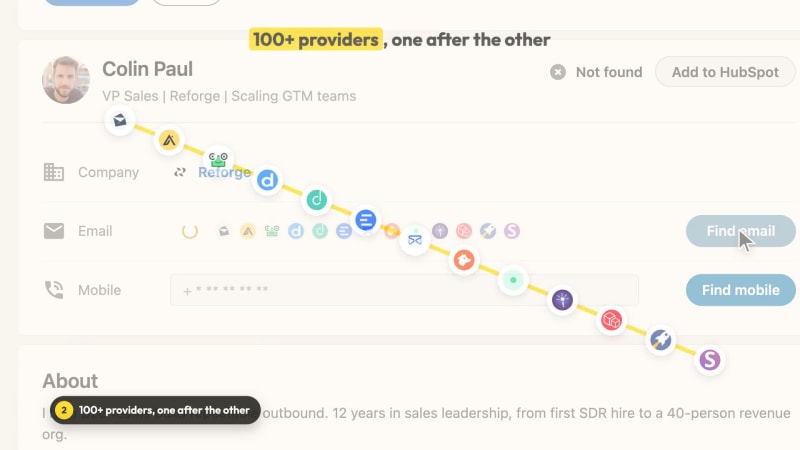
Get dials and emails from LinkedIn
Use the Chrome extension on any LinkedIn profile to get the mobile and the work email, then export a whole Sales Navigator search into Pipecorn.
The Chrome extensionWe've rebranded: ProntoHQ is now Pipecorn.

Learn Pipecorn in 14 minutes.
16 narrated videos, about a minute each. Start with the first 3, then follow the path for your role. 2 more are on the way.
Watch them in order. They take you from your first dial on LinkedIn to your first list.
Use the Chrome extension on any LinkedIn profile to get the mobile and the work email, then export a whole Sales Navigator search into Pipecorn.
The Chrome extension
Filter the people you sell to, preview a lead before you save, then download the list.
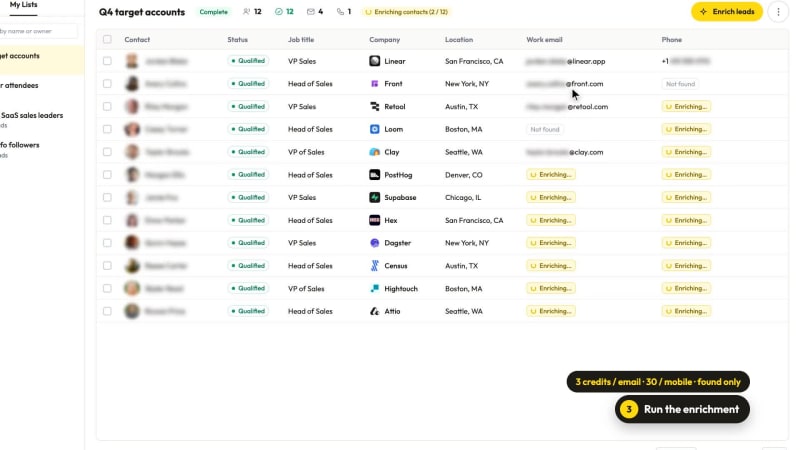
Searching is free, and a contact that comes back Not found costs nothing. See where to check every credit you spend.
PricingFind the mobile, call the people who just changed jobs, push them to your CRM.
5 videos · 5 min Get dials and emails from LinkedIn0:33✓
 Get alerts for new hires and job changes0:45✓
 Use signals to find buyers1:51✓
 Report a wrong number and get another one0:36✓
 Push your leads to HubSpot0:50✓
Map the market, fill the gaps your other tools leave, and keep the CRM clean.
6 videos · 6 min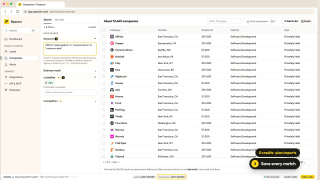 Map your whole TAM1:03✓
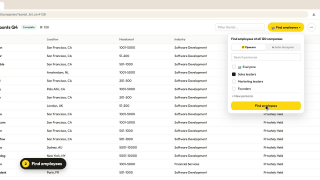 Find the people inside your target accounts0:47✓
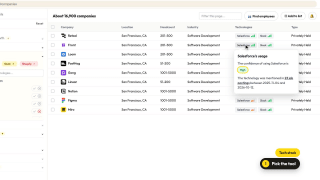 Find companies by the tools they use1:04✓
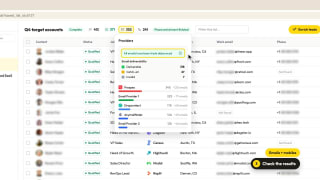 Run the waterfall and check what's deliverable0:57✓Push your leads to HubSpot0:50✓
 Use Pipecorn inside Claude0:43✓
Enrich the files your clients send, build their lists, and run it all from Claude.
5 videos · 6 min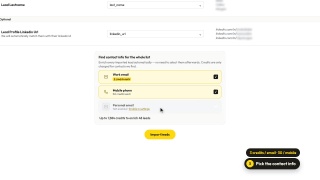 Enrich a lead list you already have1:06✓
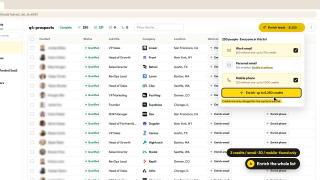 See what enrichment adds to your file0:46✓Find the people inside your target accounts0:47✓Use signals to find buyers1:51✓Use Pipecorn inside Claude0:43✓
Reach candidates on their mobile and hear when they change jobs.
5 videos · 4 minGet dials and emails from LinkedIn0:33✓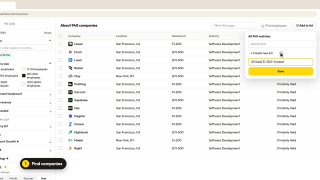 Combine company and people filters0:32✓Get alerts for new hires and job changes0:45✓Enrich a lead list you already have1:06✓Report a wrong number and get another one0:36✓
Put verified work emails and mobiles inside your own product, through one API, at a known cost per contact.
5 videos · 5 minRun the waterfall and check what's deliverable0:57✓ Pay only for what Pipecorn finds0:42✓Use Pipecorn inside Claude0:43✓Find companies by the tools they use1:04✓Get alerts for new hires and job changes0:45✓

Filter companies by industry, size and signals, then the people inside them, and keep the new hires.
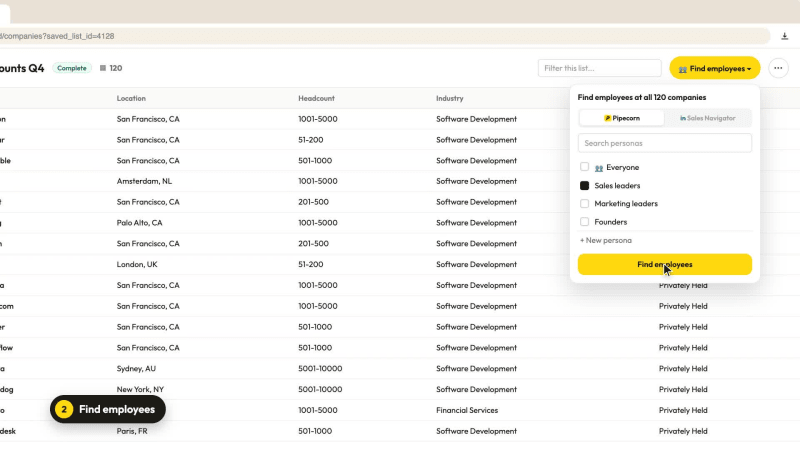
Import a list of companies, then find every person who matches your persona inside them.
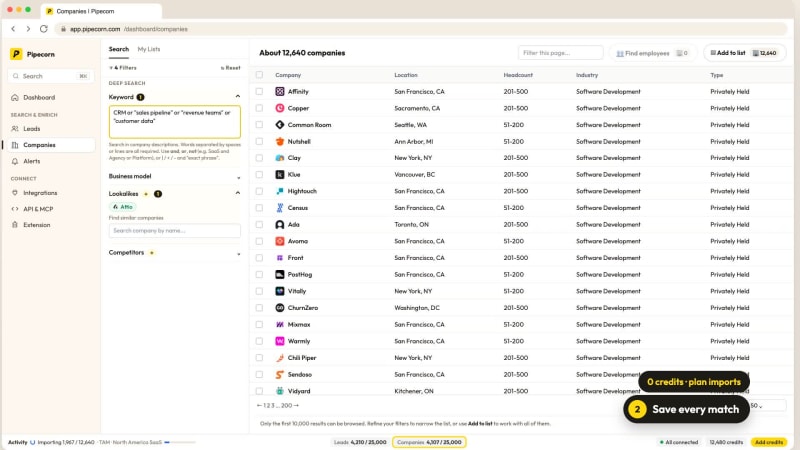
Find every company that fits your market, then every person you need inside those companies.
Map your TAMStart from one customer you like and get the companies that look like it.
Lookalike companies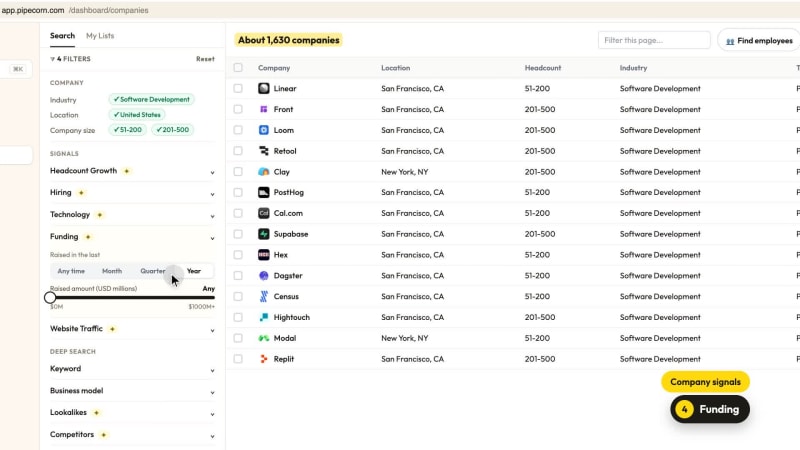
What each signal tells you about a company or a person, and where to find it in the app.
Signals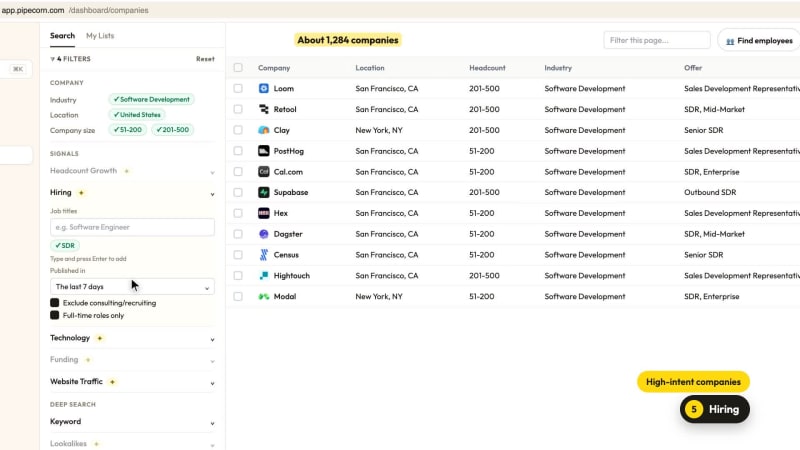
What each signal costs, and how to stack them into one search that runs every week.
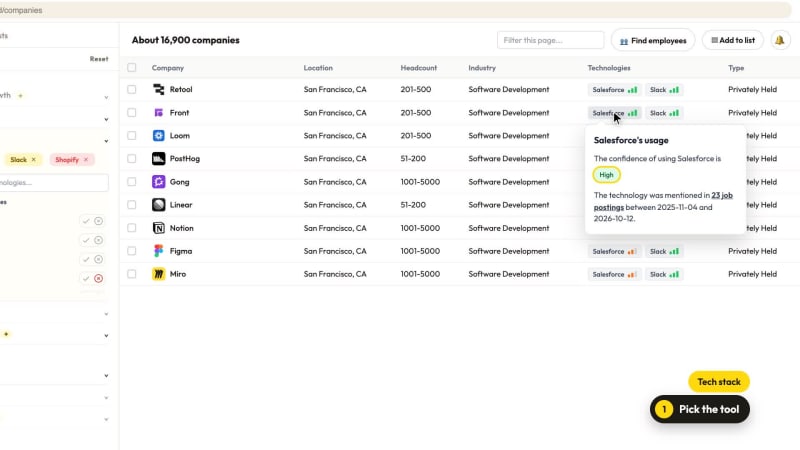
Search companies by the tools they pay for, then get the new matches every week with an alert.

Get the new hires that match your search every week, and know when your customers' champions change jobs.
Track job changes
Upload a CSV of leads, check the column mapping, and get the work email and mobile of everyone on it.

The same CSV before and after the waterfall: empty phone column first, then the emails and mobiles Pipecorn found.
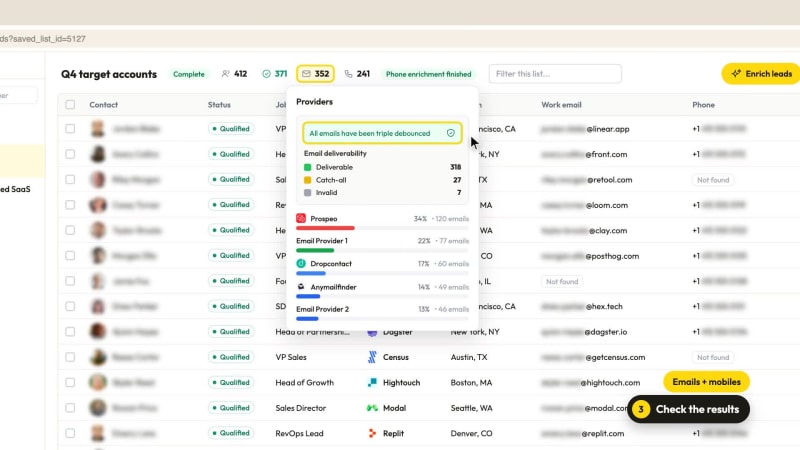
Run the waterfall on a lead list, see which provider found each contact, and export only the deliverable emails.
Waterfall enrichment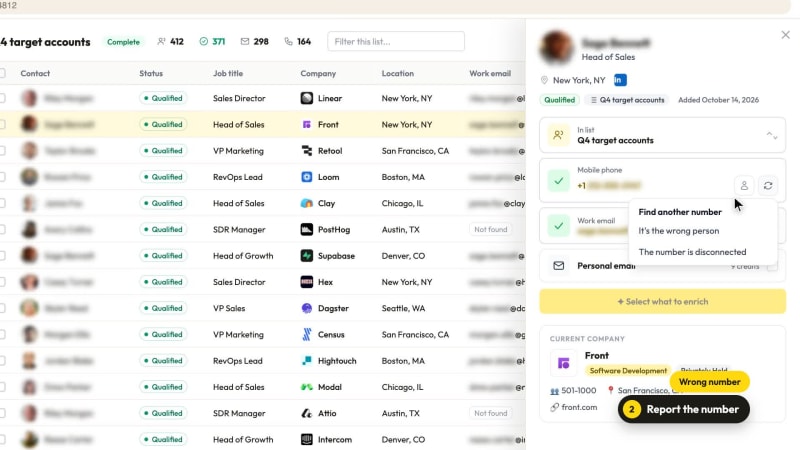
Report a mobile that reached the wrong person, and Pipecorn removes it and looks for another one.
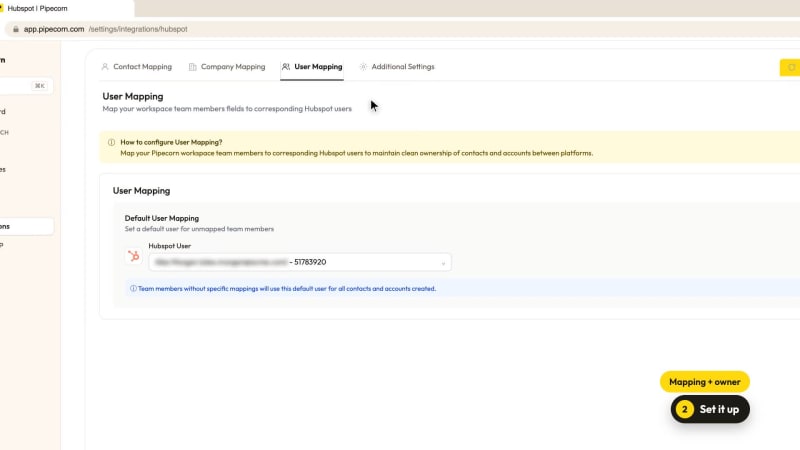
Connect HubSpot, map the fields and the owner, then push a list. Salesforce works the same way.
HubSpot integration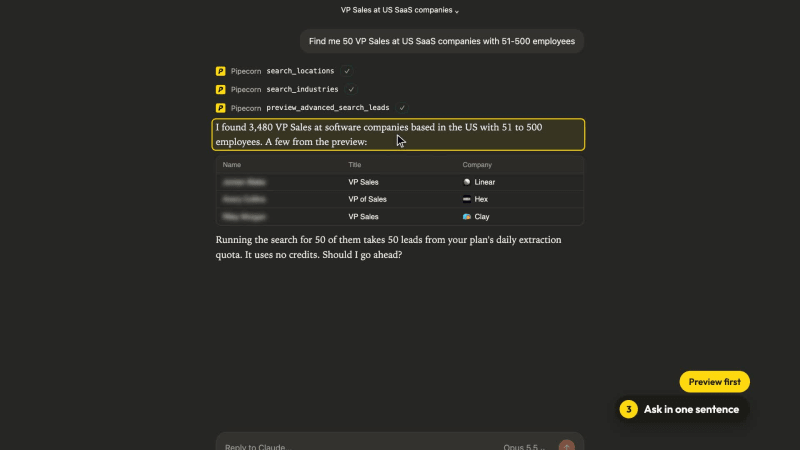
Connect Pipecorn to Claude once, then ask for your prospects in one sentence.
DevelopersGet your API key and make your first enrichment call in the sandbox.
The sandboxNeed a tutorial we don't have yet? Tell us which one →
Book a call and we'll walk through it with you on your own account. Or read the docs, every feature and the API are there.