Lead Enrichment API Guide for Sales and GTM Teams
Lead enrichment API guide covering endpoints, auth, sample requests, waterfall routing, error handling, and pricing to power outbound at scale.

On this page
- 01Table of Contents
- 02What a Lead Enrichment API Solves for Outbound Teams
- 03Defining the Core API Contract
- 04Anatomy of a Single Enrichment Call
- 05Enrichment Modes Compared
- 06Authentication, Rate Limits, and Webhooks
- 07Error Handling and Bounce Prevention
- 08Implementation Patterns for Sales Workflows
- 09Freshness, Confidence, and the Real Quality Question
- 10Security, Privacy, and Compliance Notes
- 11Pricing Credits and Cost per Verified Contact
- 12Quick Reference Checklist and Glossary
- 13Frequently Asked Questions for Buyers and Builders
Monday morning, the list is already in your inbox. Two thousand domains, a Friday sequence deadline, and a sales manager asking for verified work emails and mobile numbers before anyone burns through the file with bad sends. If you've ever watched reps copy-paste LinkedIn tabs, guess at titles, and hope the CRM is still current, you already know why a lead enrichment API stops being a convenience and starts acting like sales infrastructure.
The shift isn't just that the API fills blanks. It replaces manual research, brittle spreadsheet stitching, and one-off verification steps with a repeatable call that returns a thin identifier in and a structured payload out. For a team dealing with high volume low quality leads, that difference is the line between moving a list and wasting a week.
Table of Contents
- What a Lead Enrichment API Solves for Outbound Teams
- Defining the Core API Contract
- Anatomy of a Single Enrichment Call
- Enrichment Modes Compared
- Authentication, Rate Limits, and Webhooks
- Error Handling and Bounce Prevention
- Implementation Patterns for Sales Workflows
- Freshness, Confidence, and the Real Quality Question
- Security, Privacy, and Compliance Notes
- Pricing Credits and Cost per Verified Contact
- Quick Reference Checklist and Glossary
- Frequently Asked Questions for Buyers and Builders
What a Lead Enrichment API Solves for Outbound Teams
A weak outbound list usually fails in the same boring way, the team has names, domains, and maybe a few scraped titles, but not enough certainty to send confidently. A lead enrichment API closes that gap by taking the smallest usable input, often a work email, domain, LinkedIn URL, or name-plus-company tuple, and returning verified contact and company data that can be pushed straight into sequences, CRM records, or routing rules. The useful part isn't just the added fields, it's the fact that the fields arrive in a way your systems can trust and act on.

A practical contract starts with a thin identifier, then returns a structured payload with things like email, mobile, title, company, and verification metadata. That metadata matters because teams need to distinguish verified records from cached ones before they decide whether to launch a sequence or send a record to human review. Lead enrichment moved from a nice-to-have Zapier step to a core sales data layer because outbound systems now depend on live routing, refreshed records, and fewer wasted sends.
Practical rule: if a workflow would break, slow down, or send bad emails without current contact data, enrichment belongs in the data layer, not in a manual ops checklist.
For teams building around stale lists, the refresh problem is not theoretical. One industry comparison says B2B data decays at about 2.1% per month, which can leave a record roughly 13% stale after six months if it isn't refreshed, and the same analysis links waterfall enrichment to bounce rates falling from 30%+ to 10–14% while top-tier APIs reached 92%+ match rates on verified records (source). That's the underlying reason the workflow exists at all, to refresh records before they poison sequence performance.
Defining the Core API Contract
A clean lead enrichment API contract is simple on paper and unforgiving in production. You send a thin identifier, the provider matches it against indexed data, verifies the match, and returns a normalized record your downstream tools can use without extra cleaning. The identifier is usually one of four things, a work email, a company domain, a LinkedIn URL, or a name plus company tuple, because those inputs give the matching engine enough context to resolve identity reliably (Hunter API guide).
What the payload should contain
The response should not be a loose blob of fields. It should be a structured JSON payload that appends demographic, firmographic, and technographic attributes to the original record, with stable keys and predictable types so CRM mappings don't drift when the provider updates its schema. Developer-oriented coverage notes that a single enrichment call can return 15+ data points with a confidence score and freshness timestamp, and some providers fan out across 100+ live sources before returning the result (Scrupp review).
That distinction matters because point enrichment and append enrichment serve different jobs. Point enrichment helps when one seller needs to check one prospect before a sequence goes live. Append enrichment fits CRM or marketing syncs, where the same fields are written back at scale and must survive deduping, scoring, and segment logic.
How to validate the contract
Before treating a record as production-ready, validate three things client-side.
- Match confidence: treat low-confidence records as candidates for review, not automatic send.
- Freshness timestamp: prefer records that are current enough for the routing decision you're making.
- Field normalization: make sure the provider maps company and industry data into stable taxonomies instead of ad hoc labels.
A good contract doesn't just return more data. It returns data that your next system can consume without making guesses.
For engineering teams, the reason to care is practical. The API is only useful if the response shape stays stable enough to version against, so pin the provider version where possible and test schema changes before they hit live CRM write-back.
Anatomy of a Single Enrichment Call
A single enrichment call is the smallest useful unit of production enrichment. The request usually includes a name, company domain, or LinkedIn URL, and the response comes back with a verified contact profile that can be written to Salesforce, HubSpot, or a sequence tool without manual cleanup. The reason this pattern survives across vendors is that it mirrors how sellers identify people, first by a trace, then by a matched person, then by a usable record.

Canonical request shape
A practical request often looks like a lean object with just enough identifiers to reduce false matches.
- name
- company_domain
- linkedin_url
That's enough for point lookups, especially when the provider's indexed data already includes the target company or person. In practice, the less noisy the input, the easier it is to keep match quality high and reduce wasted calls.
Canonical response shape
The response should return the fields outbound teams use day to day.
- verified_email
- mobile_phone
- company_name
- job_title
- seniority
- department
- company_size
- industry
- revenue_band
- tech_stack
- social_profiles
Some providers always return contact and company basics. Others add intent signals, hiring-related fields, or technographic tags. Normalized values are the part that saves you later, especially when the provider maps company size into employee count bands or standard taxonomies like NAICS and SIC.
Pin the response version before you build field mappings. Most breakage in enrichment pipelines comes from schema drift, not from the matching engine itself.
The safest way to wire this up is to treat the response as a contract, not a suggestion. If your sequence trigger depends on title or email verification, the integration should explicitly fail closed when those fields are absent, stale, or unverified.
Enrichment Modes Compared
Not every workflow should hit the same endpoint. The three modes, single enrich, batch enrich, and real-time sourcing, behave differently on latency, credit usage, and bounce prevention, so the right choice depends on where the record enters the funnel. I've seen teams blow through credits because they used real-time calls on lists that should've been backfilled overnight, and I've seen teams miss opportunities because they waited for batch jobs on live form fills.
When each mode fits
Single enrich is synchronous. It's the right choice when a rep or a workflow needs one answer right now, and you can tolerate billed-per-call economics.
Batch enrich is asynchronous and job-based. It's better for backfills, old CRM cleanup, and large uploads, because it avoids tying up the app while records process.
Real-time sourcing is the mode that matters when a CRM record or form submission is missing a contact and you need to search until a verified match comes back. Waterfall routing earns its keep in this scenario, especially when a provider fans out across many sources before returning the first verified record.
Decision table
| Workflow trigger | Best mode | Why |
|---|---|---|
| SDR loads a small account list before a sequence | Single enrich | Fast enough, easy to control per-call spend |
| Ops team refreshes an old CRM export | Batch enrich | Better for volume and background processing |
| Form fill arrives without a valid phone | Real-time sourcing | Preserves speed while improving match quality |
| New-hire alert lands on a target account | Real-time sourcing | Fresh context is more valuable than a delayed bulk job |
| Legacy database cleanup before quarter close | Batch enrich | Cheaper operationally and easier to monitor |
For teams evaluating waterfall architectures, the waterfall enrichment guide is useful context because it frames provider cascades as an operational pattern rather than a single vendor feature.
If your goal is lower bounce rates, real-time verification and waterfall logic usually matter more than raw field breadth. If your goal is conserving credits, batch wins when the list is already known and freshness isn't time-sensitive.
Authentication, Rate Limits, and Webhooks
Most enrichment integrations fail in the boring plumbing layer, not in the matching logic. The auth scheme has to fit the deployment model, rate limits have to be visible to the client, and webhooks have to be signed or your async jobs become a trust problem. That's especially true once the API sits between CRM write-back and sequence launch.

Auth patterns that actually show up in production
API keys work well for direct server-to-server calls. They usually travel in a header and fit simple enrichment jobs or internal tools.
OAuth is the better fit for multi-tenant CRM integrations, where each customer authorizes the connection separately.
Signed JWTs show up in embedded workflows, especially when a platform needs short-lived, scoped credentials instead of a static secret.
Rate limits and failure semantics
Production enrichment stacks should be designed around the response, not around hope. Industry guidance says mature systems should target sub-second to <500 ms API responses, real-time enrichment under 3 seconds, 99.9% uptime, and throughput above 1 million records per day while keeping accuracy above 95% across core categories (MarketSandMarkets guidance). The same guidance recommends standardized outputs like NAICS/SIC, caching, and retry logic such as exponential backoff for 429 rate limits.
A sane client treats status codes as workflow signals.
- 200 means a verified record is ready.
- 202 means batch work accepted and a job ID returned.
- 404 means the contact couldn't be found.
- 422 means the input can't be verified.
- 429 means back off and retry later.
- 5xx means upstream failure, usually provider-side.
Webhooks without polling
Webhook consumers should verify HMAC signatures, reject replays, and store event IDs so the same completion event doesn't write twice into the CRM. That's the cleaner pattern for batch completion and job-change alerts because polling burns requests and creates avoidable race conditions.
Error Handling and Bounce Prevention
The worst enrichment failure isn't an exception. It's a record that looks usable but still lands in a sequence with stale or unverifiable contact data. That's how teams end up sending to role-based catch-alls, stale mobile numbers, or contacts that looked valid in a preview and failed later in the sequence engine. The fix is to treat verification results as routing inputs, not just response metadata.
Error code to action
| Status | Meaning | Recommended Action |
|---|---|---|
| 200 | Verified record returned | Write back and continue workflow |
| 202 | Job accepted | Wait for webhook or completion event |
| 404 | Unknown contact | Drop from sequence, queue for review if the account matters |
| 422 | Unverifiable input | Do not retry immediately, clean input first |
| 429 | Rate limit hit | Retry with exponential backoff and jitter |
| 5xx | Provider or upstream outage | Trip a circuit breaker and fail over if you have one |
A confidence score below your threshold should behave like a soft stop, not a warning label. If the score is too low for an automated send, route the record to a human review queue and let the rep decide whether the lead is worth a second lookup.
The retry policy should also be different by error type. 404 and 422 are usually terminal for that record, while 429 is a pacing problem. Exponential backoff with jitter is the clean default because it avoids thundering herd retries when a provider is under load.
If a batch job keeps failing on one provider, don't keep feeding it the same source. A circuit breaker saves credits and stops one bad upstream from stalling the whole run.
The key bounce prevention trick is upstream discipline. Verify before sequence launch, stop re-enriching records that already passed a freshness check, and treat verification flags as the gate between enrichment and outreach.
Implementation Patterns for Sales Workflows
The API only matters when it lands cleanly in the tools your team already uses. That usually means three places, CRM write-back, sales engagement sync, and event-driven refreshes such as job changes or new hires. Teams that skip one of those layers often end up with a nice enrichment log and a messy downstream process.
CRM write-back and idempotent upserts
For HubSpot, Salesforce, or Pipedrive, the safest pattern is an idempotent upsert keyed on a stable contact identifier. That prevents duplicate records when the same lead gets enriched twice, and it keeps your source of truth from splintering across multiple partial updates. If you're enriching at scale, map only the fields that matter for routing and segmentation, then leave the rest in the enrichment payload for later use.
Sequence triggers and time-sensitive alerts
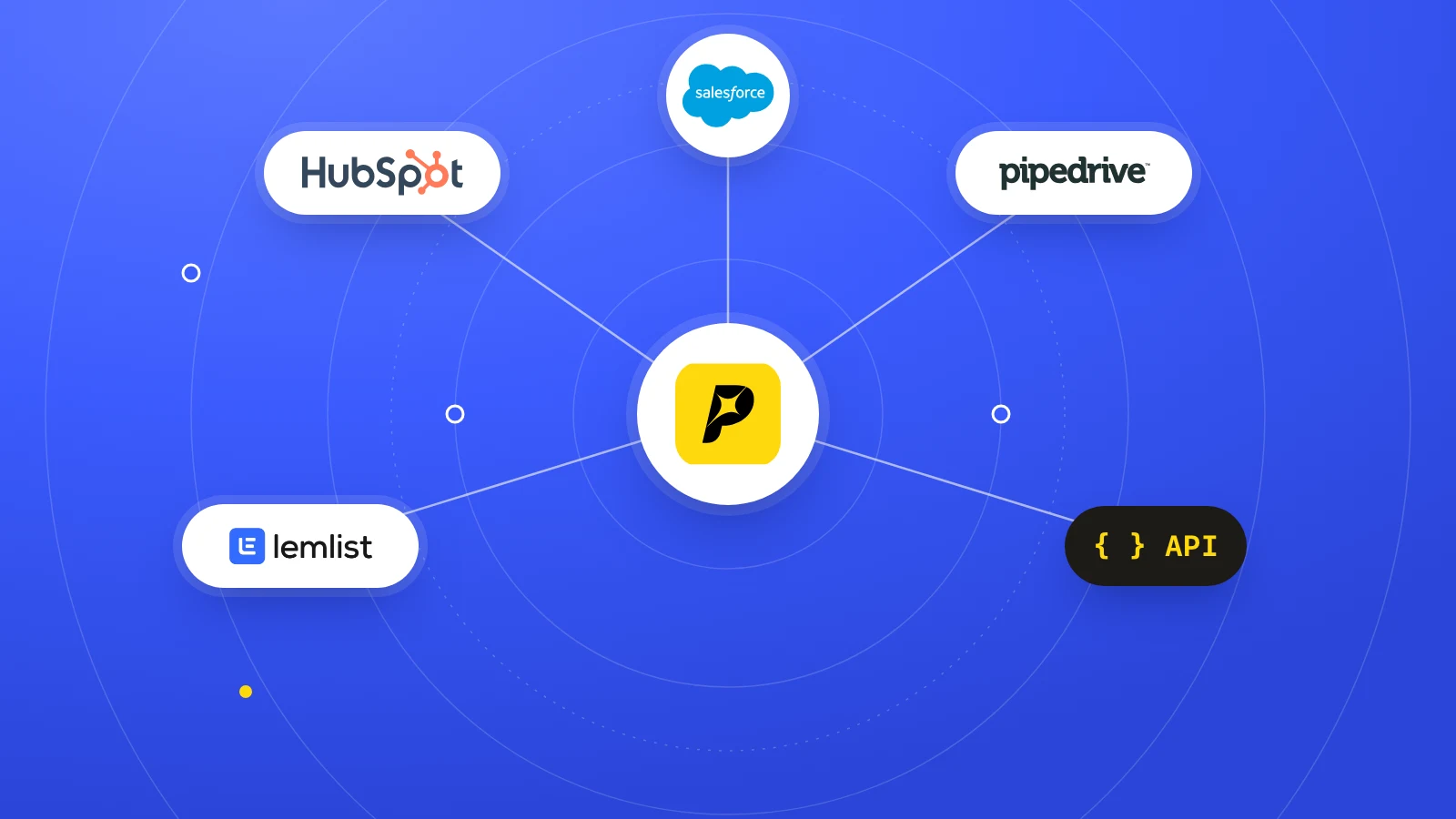
Sales engagement platforms like Outreach, Salesloft, and lemlist work best when enrichment fires a webhook that starts a sequence or updates a contact status. The more interesting pattern is not list filling, it's job-change alerts that re-qualify a contact when a title changes, or hiring alerts that add timing context to a target account. Pipecorn supports these workflow pieces alongside CRM and sales engagement integrations, which makes it one option for teams that want enrichment and delivery in one layer.
Routing and global coverage
Country-aware routing matters when lists span multiple geographies. Different providers perform differently by region, so sending every record to the same source is usually a shortcut to lower match quality and higher credit burn. If you're building this in production, set the provider decision in code or workflow rules, not in someone's memory.
A practical launch checklist looks like this.
- Map CRM fields first: decide what gets written back and what stays transient.
- Choose the trigger: form fill, list upload, job-change event, or manual lookup.
- Set your fallback path: define what happens when the first provider misses.
- Test idempotency: make sure duplicate events don't create duplicate contacts.
- Log every write: keep an audit trail for both enrichment and CRM changes.
Freshness, Confidence, and the Real Quality Question
More fields don't automatically produce better leads. In practice, a stale record with ten extra attributes can be worse than a lean record with a strong freshness timestamp and a high-confidence verified contact. That's the quality question buyers keep running into, because enrichment is not just a completeness game, it's a scoring hypothesis problem.
Treat enrichment like a scoring experiment
The cleanest way to evaluate enriched attributes is to test them against outcomes, not against a vendor demo. If a title field, a technographic flag, or a company-size band doesn't improve reply or connect behavior in your segment, it's noise, even if it looks impressive in the payload. One useful framework is to define thresholds by field confidence, then move only the records above those thresholds into live routes.
For buyers comparing sources, data for choosing an API is useful because it nudges the evaluation toward coverage, freshness, and operational fit instead of raw field count.
Refresh cadence and lookup strategy
The refresh cadence should follow the workflow value. High-value routes justify real-time lookup, especially when title changes, mobile numbers, or account context matter before a rep reaches out. Lower-priority lists can be refreshed in batch, then re-checked only when the record re-enters a live sequence.
A smaller list with strong confidence usually beats a larger list with mixed freshness.
If you want one internal habit to steal, use job-change tracking as a freshness signal, not just a nice alert. That kind of event tells you when a contact deserves re-enrichment, not when the database looks fuller.
The contrarian view is simple. More data is not automatically more value. Teams win when they pay for the fields they can act on, then use confidence and freshness to keep the rest out of the sequence engine.
Security, Privacy, and Compliance Notes
Security review is usually where enrichment projects slow down. The questions are predictable, who can call the API, where the data lives, how long it's retained, whether the vendor offers a DPA, and what happens if a contact asks to be removed. If you answer those before rollout, the sales ops team won't get stuck in a month of back-and-forth.
Build decisions that matter
Use API keys in secret management, not in browser code or shared docs. If the vendor supports IP allow-listing, enable it for server-side jobs. If the integration writes back to CRM, keep audit logs for every contact update so you can trace what changed and when.
Legal and operational checks
A security package should cover SOC 2 Type II, GDPR lawful basis for B2B contact data, CCPA notice handling, retention windows, and a clear path for purge requests. Country-aware routing also needs a compliance lens, because EU and non-EU processing often have different operating assumptions. Vendor sub-processor lists matter here too, since enrichment stacks tend to depend on multiple upstream sources.
For teams doing vendor review, the Vanta review breakdown is a useful reference point for how security tooling and audit posture get evaluated in practice.
The practical takeaway is plain. Split global workflows where needed, document who owns purge requests, and make sure legal, RevOps, and engineering are reading the same retention policy before the first outbound list goes live.
Pricing Credits and Cost per Verified Contact
Credit pricing can look simple until you're paying for it at volume. The number that matters isn't the price per call in isolation, it's the cost per verified contact, because a cheap call that returns nothing is still a waste, and a pricier call that returns a usable mobile number may be cheaper operationally. That's why waterfall strategy changes the math, especially when providers only charge for verified records and exclude bounces or invalid numbers from billing.
How to compare pricing models
A few billing patterns show up repeatedly.
- Per-call pricing: easy to forecast, but not always aligned with match quality.
- Per-credit pricing: more flexible, with different contact types consuming different credits.
- Tiered plans: often bundled as Free, Build, Grow, and Scale, sometimes with rollover and support differences.
Pipecorn's public pricing structure is a useful example to review in that context, especially if you're building around credit rollover and free seats. You can sanity-check the plan shape on the pricing page before you model your own volume.
How to think about a batch budget
If a monthly batch has 10,000 records, the real question is how many of those records become verified contacts after enrichment, and how many calls you need to get there. If the vendor bills only for verified outputs, waterfall routing can lower waste because failed attempts don't always translate into billable contact records, but each extra lookup still has an opportunity cost. That's the number a CFO cares about, not the headline credit count.
Budget the verified contact, not the raw lookup. The second number is what makes a spreadsheet look cheap and a bill look expensive.
The healthiest habit is to model credits by workflow, not by vendor brochure. Batch cleanup, live form routing, and job-change refreshes should each have their own cost assumptions, because they don't consume enrichment in the same way.
Quick Reference Checklist and Glossary
Keep the working checklist short enough that both engineering and RevOps can pin it in a channel or doc.
Checklist
- Endpoint inventory: single enrich, batch enrich, and real-time sourcing.
- Auth shape: API key header, OAuth for tenant-connected apps, or signed JWT.
- Webhook safety: HMAC signature checks and replay protection.
- Retry pattern: exponential backoff with jitter for rate limits.
- Error handling: treat 404 and 422 as non-retryable for that record.
- Compliance gate: confirm DPA, purge path, retention, and regional processing rules.
- CRM safety: use idempotent upserts and log every write.
Glossary
Thin identifier means the smallest usable input, like email, domain, or LinkedIn URL.
Waterfall enrichment means querying multiple providers in sequence until one verified match returns.
Confidence score is the provider's estimate of how reliable the match is.
Freshness timestamp tells you when the data was last verified or refreshed.
Role-based email is a shared inbox like sales@ or info@, not a person-specific address.
NAICS and SIC are normalized industry taxonomies.
Intent signal points to buying activity or account movement.
Technographic refers to the tools and stack a company uses.
If you remember only one thing, make it this. A good enrichment system doesn't just fill blank fields, it creates a controlled path from uncertain lead to verified contact.
Frequently Asked Questions for Buyers and Builders
How do I evaluate a vendor's match rate without trusting a benchmark page? Use your own sample, then score the output against verified contacts already in the CRM. If the vendor can't explain freshness and confidence by field, the match rate number by itself doesn't tell you much.
Should I refresh records on a schedule or only when they re-enter a workflow? Use both, but tie the cadence to value. High-value accounts and active opportunities deserve real-time or near-real-time refresh, while old lists can wait for batch cleanup.
Is batch enrichment or real-time enrichment better for a high-velocity inbound form? Real-time usually wins when the form drives immediate routing, rep assignment, or sequence launch. Batch is fine when speed doesn't change the outcome and you're optimizing for cost.
How do I model ROI when different segments need different fields? Treat each enriched field as a hypothesis, then compare lift by segment, not across the entire database. A field that helps enterprise routing may be noise in SMB outbound, so the value lives in the segment, not the vendor catalog.
If you're wiring this into a live outbound stack, Pipecorn can handle verified email and mobile enrichment, waterfall routing across many sources, job-change signals, and CRM delivery from one API layer. Take a look at Pipecorn if you want to compare how that setup fits your list-building, routing, and sequence workflow before your next launch.